Brand research
Study how SaaS sites, portfolios, agencies, and products use color across pages, sections, and CTAs.
Color palette extractor
Capture the colors and gradients behind a website's visual system, then save them with the rest of your design references instead of copying values one by one.
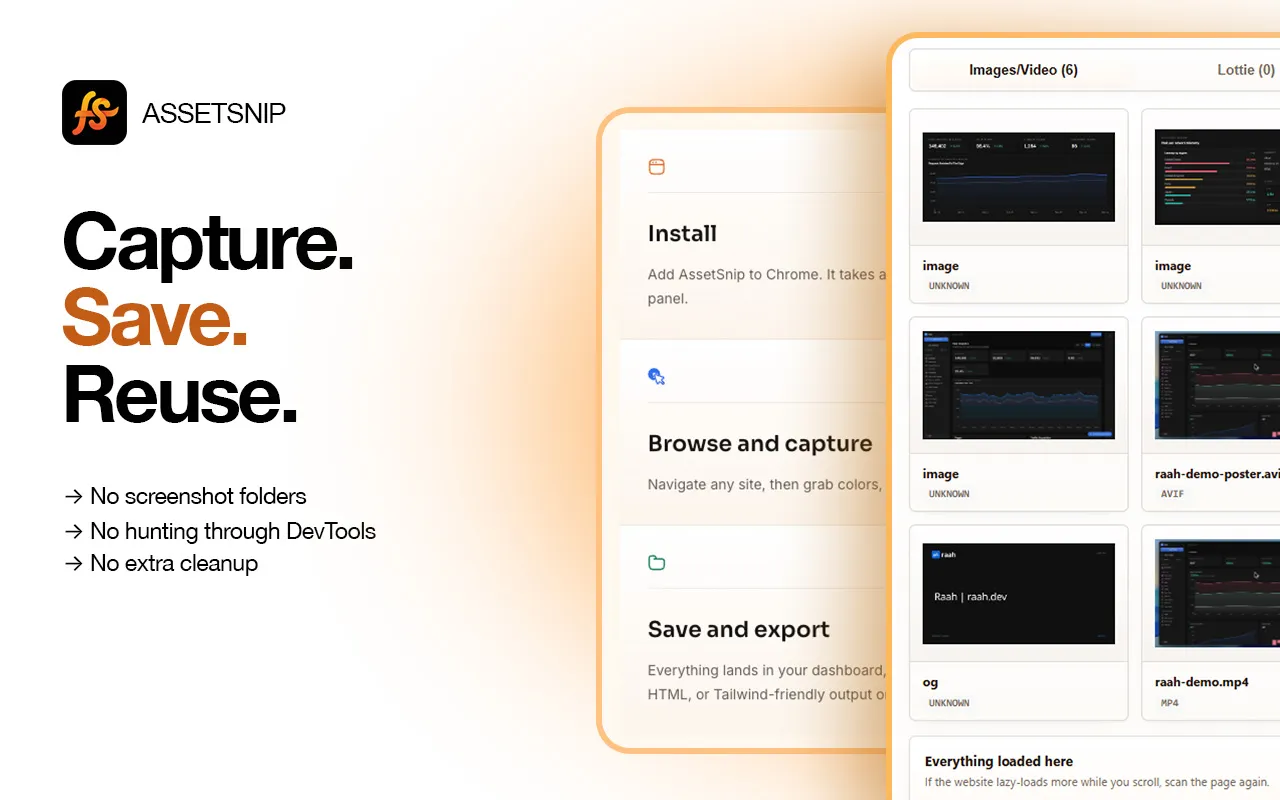

AssetSnip capture
Chrome extension workflow
Use AssetSnip for design research, rebuilds, audits, and faster frontend handoff.
Study how SaaS sites, portfolios, agencies, and products use color across pages, sections, and CTAs.
Turn visual inspiration into saved palettes and gradients that are easier to compare than screenshots.
Give frontend work a clearer starting point by capturing real color values and visual references together.
Inspect the page, choose what matters, and save or export the asset for later use.
Run AssetSnip where the palette appears: landing pages, dashboards, docs, product pages, or portfolios.
Identify reusable values and gradient treatments without sampling each element manually.
Keep color references beside images, SVGs, fonts, and inspected UI details for the same project.
Collect color values from real pages and keep them connected to the visual context where they appeared.
Save gradient references for backgrounds, buttons, cards, and brand treatments.
Organize colors with the rest of the website assets you collect during research.
Reduce manual sampling when translating a visual reference into a UI direction or frontend implementation.
AssetSnip is built for design research and production workflow. These are the common questions for asset capture, reuse, and limits.
Yes. AssetSnip includes gradient export limits by plan, so you can save more than flat color swatches.
A color picker is useful for one value. AssetSnip is better when you want to research a page and save colors with related assets and context.
You can save color and gradient assets into your AssetSnip library and organize references as your library grows.
Collect images, SVGs, videos, colors, fonts, gradients, and Lottie files.
Download SVGsFind inline and linked SVGs, preview them, and save the useful ones.
Find fontsIdentify font families and typography references from live pages.
Save inspirationTurn website research into an organized visual reference library.
Install AssetSnip, open the extension on a page, and turn useful design details into a reusable asset library.