Capture better references
Snip assets
from any website
AssetSnip is built for reference gathering that stays usable. Capture the page, pull the values, and keep the result in a calm, searchable workflow.

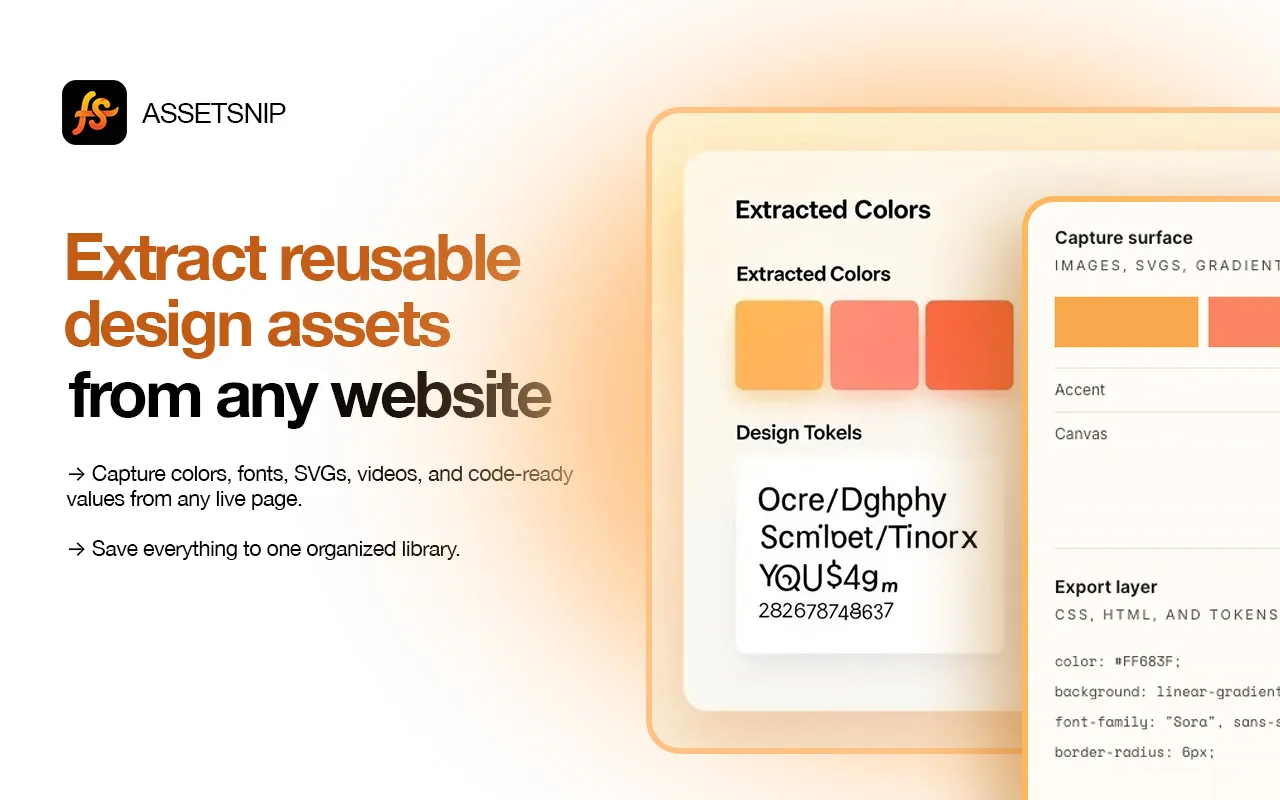
Capture surface
Images, SVGs, gradients, video
Export layer
CSS, HTML, and tokens
color: #FF683F;
background: linear-gradient(...);
font-family: "Sora", sans-serif;
border-radius: 6px;
Capture what matters.
Export what you need.
AssetSnip keeps the workflow simple: grab the exact assets you want, store them in one place, and move back into design or code without the cleanup step.
Inspect live sections
Move across the page, pick the exact area you want, and capture the asset without breaking flow.
Collect media directly
Grab images, SVGs, favicons, and video from any website.
Capture motion files
Keep video and animation references ready for review or reuse.
Save assets cleanly
Everything lands in a simpler library so the research stays searchable.
Colors and gradients
Store the palette with reusable values instead of eyeballing screenshots.
Move into code faster
Export CSS, HTML, and reusable tokens without extra cleanup.
Capture. Save. Reuse.
No screenshot folders, no hunting through DevTools, and no extra cleanup step just to keep a good reference.
Install
Add AssetSnip to BrowserIcon. It takes a few seconds and stays out of the way.
Browse and capture
Navigate any site, then grab colors, fonts, images, and sections directly from the page.
Save and export
Everything lands in your dashboard, ready for CSS, Tailwind, downloads, or later review.
Every asset, ready to export
Images
PNG, JPG, WebP, AVIF
SVGs
Vectors and icons
Videos
MP4, WebM, GIF
Folders
Saved references
Colors
HEX, RGB, HSL
Gradients
CSS gradients
Typography
Fonts and styles
Components
HTML and structure
Trusted by people who inspect interfaces daily
Compare plans clearly
A simple plan comparison matrix for teams who want to see limits, library size, and advanced features at a glance.
Core Features
Monthly Limits
Library
Support
Core Features
Monthly Limits
Library
Support
Core Features
Monthly Limits
Library
Support
Core Features
Monthly Limits
Library
Support
Questions, answered clearly
AssetSnip can capture images, SVGs, videos, colors, gradients, fonts, and Lottie animations. Everything you save shows up in your dashboard library so you can organize and reuse it later.
Ready when you are
Keep better references.
Move faster in the next build.
Start collecting sharper inspiration with less clutter, less context switching, and a workflow that stays tidy.